
For many RV owners, staying connected is no longer simply about checking email or browsing the web.
Modern RV travel can involve remote work, streaming entertainment, navigation, video calls, smart devices, online reservations and staying in contact with family. That makes reliable RV Wi-Fi and internet connectivity an increasingly important part of the RV experience.
The challenge is that an RV can move between a campground with strong Wi-Fi, a rural location with weak cellular service and an off-grid campsite where traditional internet connections may not be available at all.
The good news is that RV owners have several connectivity options.
The right setup depends on where you travel, how much data you use, whether you work remotely and how much you are willing to spend.
What Are Your RV Internet Options?
There isn’t one internet solution that works everywhere.
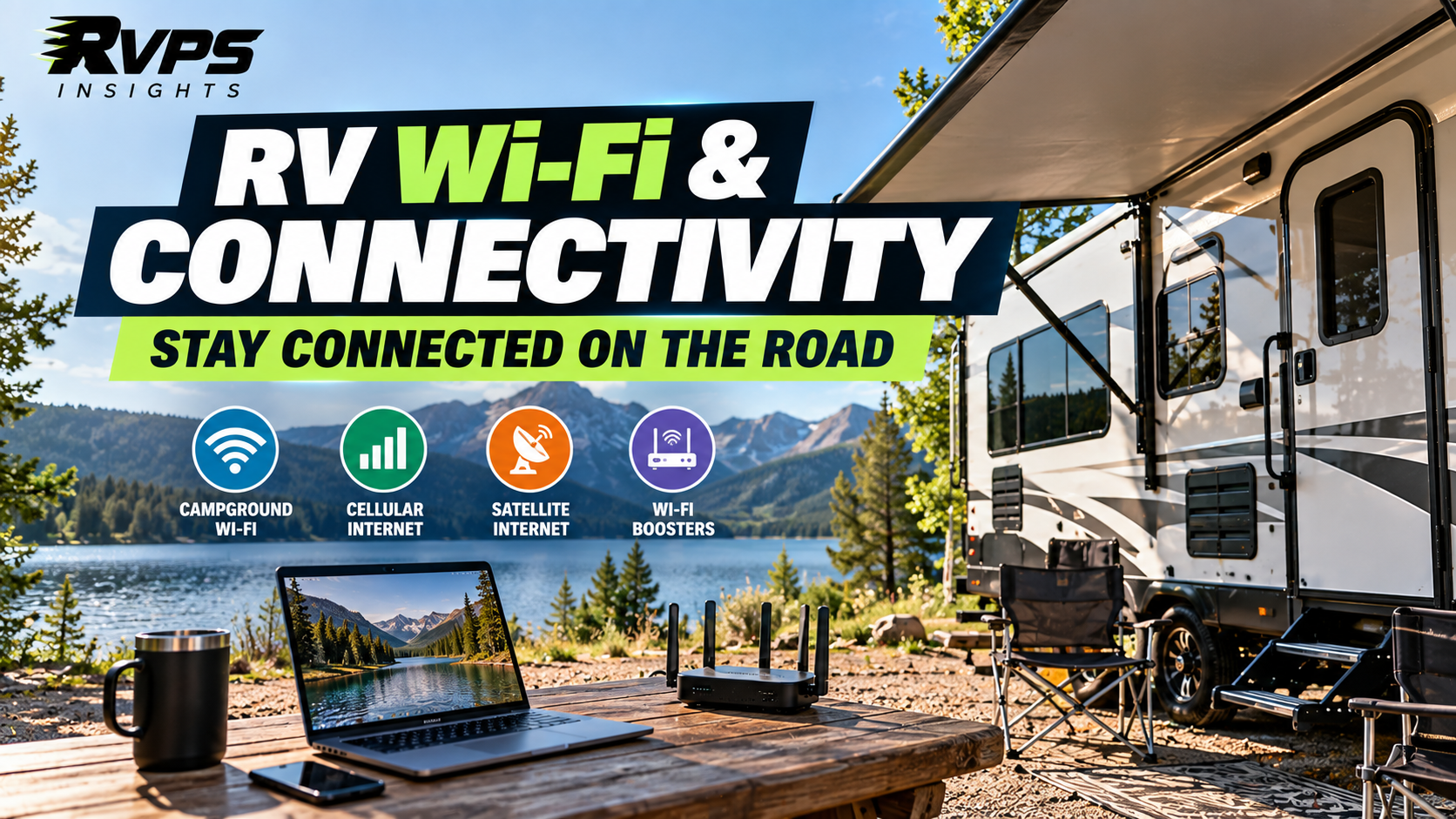
Most RV owners will choose from several options:
| Connectivity Option | Best For | Main Advantage | Main Limitation |
|---|---|---|---|
| Campground Wi-Fi | Casual use | Usually included with the campsite | Can be slow or congested |
| Smartphone Hotspot | Occasional use | Simple and portable | Depends on cellular coverage and your data plan |
| Dedicated Cellular Router | Regular travelers | Creates Wi-Fi throughout the RV | Requires cellular service |
| Wi-Fi Booster | Improving weak Wi-Fi | Can make weak campground Wi-Fi usable | Cannot create a connection where none exists |
| Satellite Internet | Remote camping or work | Works anywhere it has compatible satellite coverage | Needs equipment and power, and a clear view of the sky |
| Multiple Connections | Full-time travelers or remote workers | More backup if one connection fails | Higher cost and complexity |
The best setup may actually combine two or more of these options.
1. Campground Wi-Fi
Campground Wi-Fi is the simplest option.
If your RV park provides wireless internet, you can connect your phone, laptop, tablet or streaming device just as you would at home.
The problem is that campground networks can become heavily congested when many guests are online at the same time.
Your experience can also vary depending on:
- Distance from the campground access point
- Trees and other physical obstructions
- Number of connected users
- Network equipment
- Internet service available to the campground
- Wi-Fi coverage across the property
For basic browsing, email and messaging, campground Wi-Fi may be enough.
For important video calls or remote work, however, it’s worth having another option available.
2. Smartphone Hotspot
Your smartphone may already provide the simplest mobile internet connection.
A phone can share its cellular connection with a laptop or other devices through a hotspot.
This can work particularly well for:
- Short trips
- Occasional remote work
- Web browsing
- Navigation
- Light streaming
The biggest limitation is cellular coverage.
A hotspot can’t provide a reliable internet connection if your phone has little or no usable cellular service.
Data limits can also become important if you’re regularly streaming video, downloading large files or working with multiple connected devices.
3. Dedicated Cellular Internet
For RVers who work remotely or spend significant time traveling, a dedicated cellular router can provide a more permanent solution.
Instead of relying on a smartphone, a cellular router uses a mobile-data connection and creates a Wi-Fi network inside the RV.
This can allow multiple devices to connect at once.
For example, an RV could have:
- Two laptops
- Smartphones
- Tablets
- Smart TVs
- Streaming devices
- Security equipment
- Other connected devices
A dedicated router can therefore be more convenient than repeatedly connecting individual devices to a phone hotspot.
But the router still depends on the underlying cellular network.
The FCC’s broadband data system distinguishes between mobile technologies and publishes provider coverage information, including 4G LTE and 5G-NR coverage. Coverage maps are useful when planning travel, but actual connectivity can vary based on terrain, buildings, vegetation and the specific location.
4. RV Wi-Fi Boosters
A Wi-Fi booster can be useful when the RV is relatively far from a campground’s Wi-Fi access point.
The important thing to understand is what a booster can and cannot do.
A booster can improve access to an existing Wi-Fi signal.
It cannot magically create an internet connection where there is no internet service.
For example, if a campground has usable Wi-Fi near the office but the signal is weak at your campsite, a properly configured external antenna and Wi-Fi system may make that connection more usable inside the RV.
This is different from a cellular signal booster.
5. Cellular Signal Boosters
Cellular boosters are designed to improve wireless coverage in a limited area such as an RV.
The FCC has a specific regulatory framework for consumer signal boosters, including technical requirements intended to prevent harmful interference to wireless networks.
This distinction matters because a cellular booster and a Wi-Fi booster perform different jobs.
Wi-Fi booster:
Improves access to an existing Wi-Fi network.
Cellular booster:
Helps improve cellular coverage from an available mobile network.
Neither device can create a cellular network where there is absolutely no service.
When choosing equipment, RV owners should also verify that the product complies with applicable FCC requirements and follow any carrier registration or consent requirements that apply.
6. Satellite Internet for RVs
Satellite internet has become an increasingly important option for RVers who travel beyond reliable terrestrial connectivity.
One of the most visible examples is Starlink Roam, which is specifically marketed for RVs, campers and people working while traveling.
As of September 2026, Starlink lists Roam plans including 100GB, 300GB and Unlimited options in the U.S., with pricing and availability subject to change. Starlink also says its Roam service supports use in more than 160 countries and territories, subject to applicable restrictions.
Satellite internet can be particularly interesting for RV owners who regularly travel to remote locations.
However, it isn’t automatically the best option for every RVer.
Consider:
- Equipment cost
- Monthly service cost
- Power consumption
- Physical setup
- Visibility of the sky
- Weather
- Your expected data usage
- Whether you actually camp in locations where cellular service is unavailable
Starlink also notes that advertised speeds are maximum available speeds rather than guaranteed performance and that speeds can be affected by network congestion.
What About Using Satellite Internet While Driving?
This is an area where RV owners need to pay close attention to the specific service and local rules.
Starlink currently supports in-motion use with certain Roam services in approved markets, but availability and authorization vary by location.
Therefore, don’t assume that a satellite system designed for RV travel can automatically be used while the vehicle is moving.
Always check the current service terms and local authorization before relying on in-motion connectivity.
Do You Need More Than One Internet Connection?
For occasional travelers, probably not.
For someone who works remotely from an RV, redundancy can become much more valuable.
A remote worker might use:
Primary: Cellular router
Backup: Smartphone hotspot
Additional option: Satellite internet
Another traveler might use:
Primary: Campground Wi-Fi
Backup: Cellular hotspot
The important concept is redundancy.
If one connection fails, another can keep you online.
That can be particularly useful when your work depends on video meetings, cloud applications or large file transfers.
How Much Internet Speed Do You Really Need?
Don’t automatically choose an internet plan simply because it advertises the highest possible speed.
Your actual requirement depends on what you do online.
Light use
Email, browsing, navigation and messaging generally don’t require an extremely fast connection.
Moderate use
Streaming video, multiple connected devices and regular work applications require more bandwidth.
Heavy use
Remote work involving frequent video meetings, cloud backups, large downloads and multiple users can require substantially more capacity.
The important metric isn’t just download speed.
Also consider:
- Upload speed
- Latency
- Data limits
- Network congestion
- Reliability
- Coverage
- Power requirements
For remote work, a stable connection can be more useful than a very high peak download speed.
How to Build an RV Connectivity Setup
A practical setup can be built in stages.
Step 1: Identify where you travel
Do you mostly stay at established RV parks?
Or do you regularly boondock in remote areas?
Your answer will determine how important satellite and cellular options are.
Step 2: Estimate your data usage
Think about your actual monthly usage.
Do you mostly browse and email?
Or do you stream several hours of video every day?
Do you work remotely?
Step 3: Check cellular coverage
Look at coverage along the routes and destinations you regularly visit.
Remember that coverage maps are estimates, and real-world performance can vary.
Step 4: Decide whether you need redundancy
If losing internet would cause a serious problem, consider having a backup connection.
Step 5: Consider power consumption
Every additional router, antenna or satellite system adds equipment and potentially increases electrical demand.
This matters especially for boondockers relying on batteries and solar.
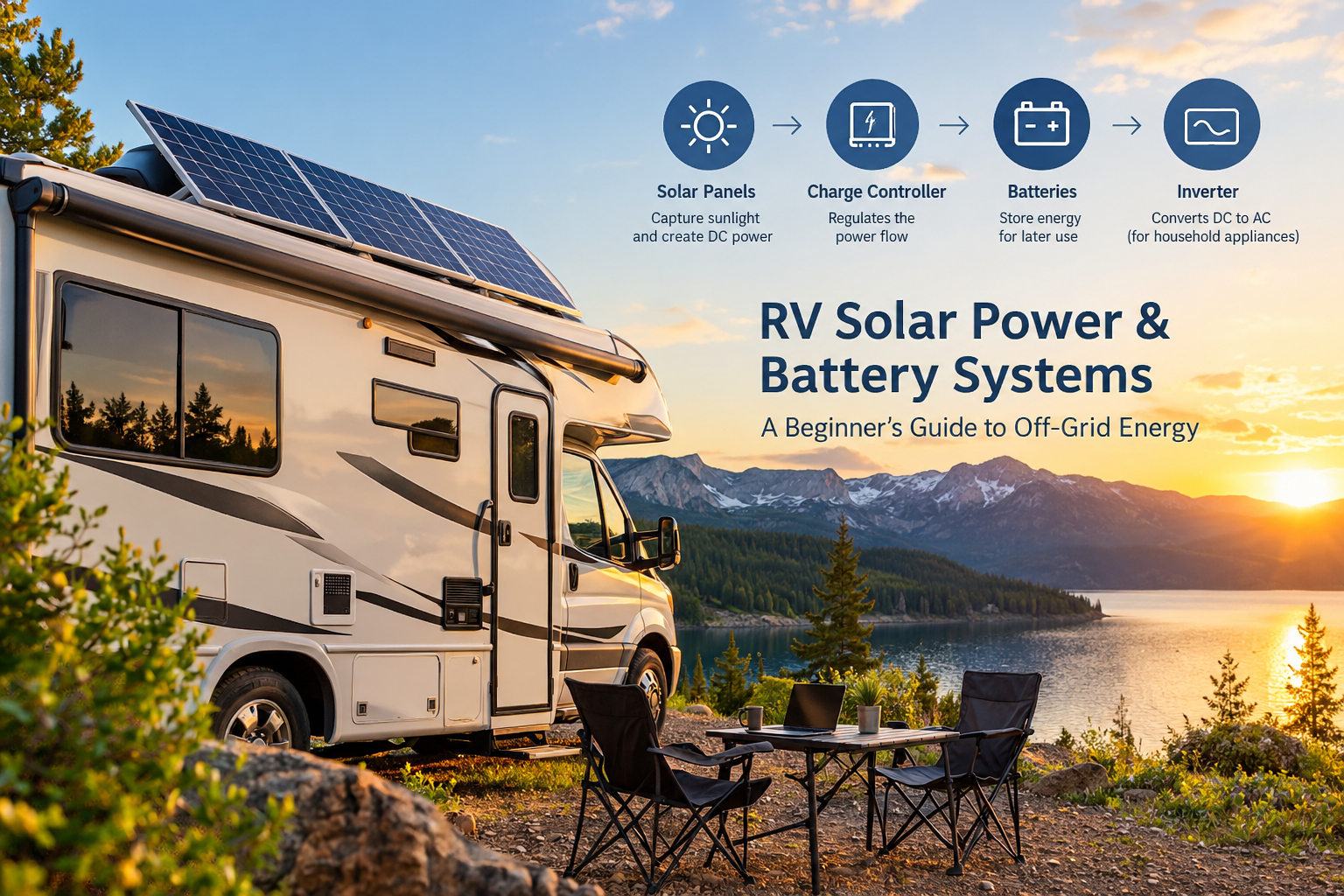
RV Wi-Fi and Solar Power Work Together
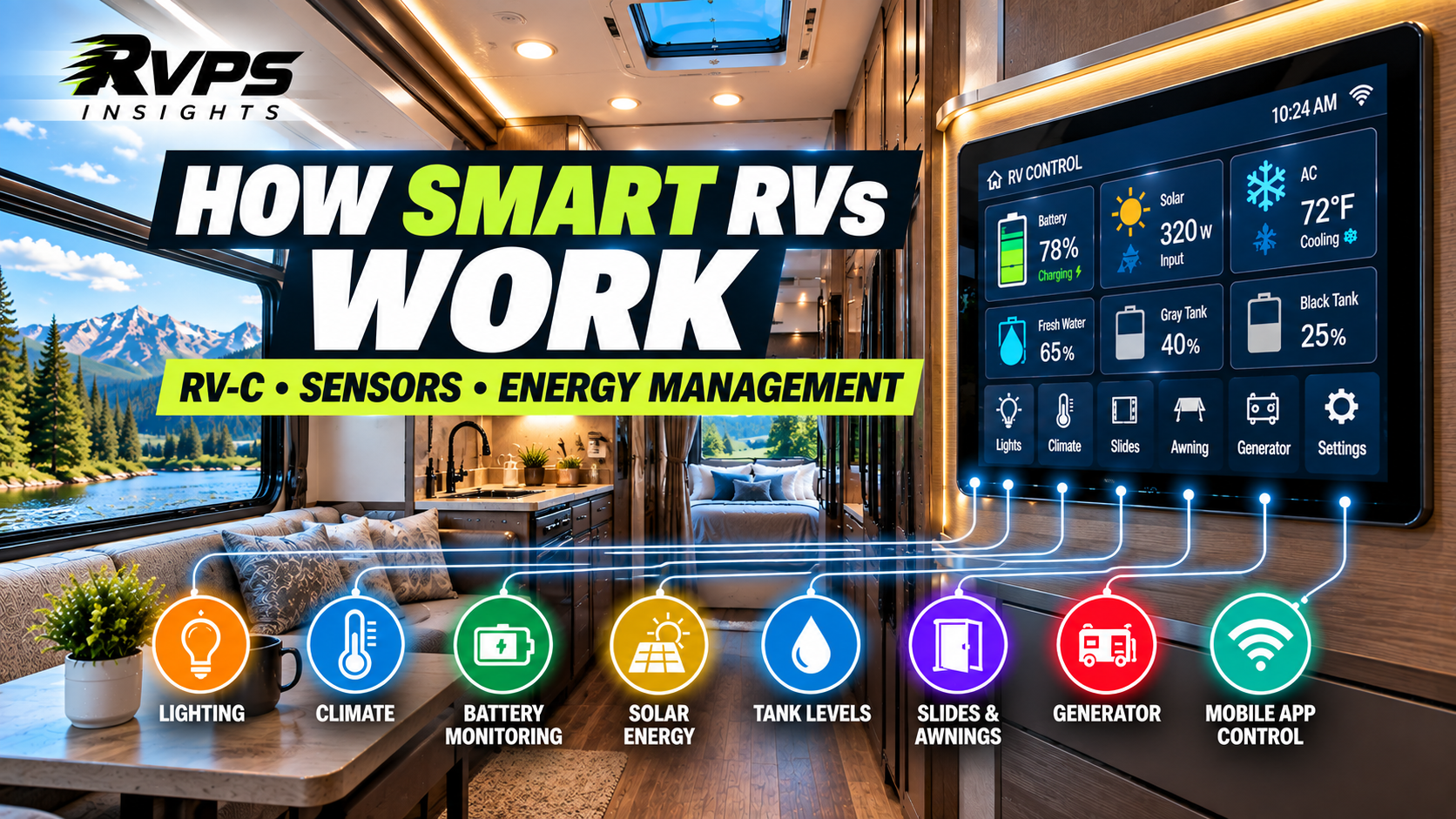
This is where RV connectivity connects directly with another area of RV technology: energy management.
Internet equipment requires electricity.
A cellular router may run continuously. A satellite system can require considerably more power depending on the equipment and usage.
For off-grid RVers, connectivity therefore needs to be considered alongside:
- Battery capacity
- Solar generation
- Inverter capacity
- Generator use
- Daily energy consumption
If you’re planning a serious off-grid setup, internet connectivity shouldn’t be treated as an isolated technology decision.
It is part of the RV’s overall energy system.
For more information, see our guide to [RV Solar Power and Battery Systems](/rv-solar-power-battery-systems-guide/).
What Is the Best RV Internet Setup?
There isn’t one answer for every RV owner.
A weekend camper who stays at established campgrounds may be perfectly comfortable with campground Wi-Fi and a smartphone hotspot.
A full-time RVer working remotely may need a dedicated cellular router and a backup connection.
Someone who frequently camps far from cellular coverage may find satellite internet more useful.
The key is to match the technology to the way you actually travel.
Quick checklist
Before choosing an RV internet setup, ask:
☐ Where do I normally camp?
☐ Do I need internet for work?
☐ How many devices will connect?
☐ How much data do I use?
☐ Do I regularly travel outside cellular coverage?
☐ Do I need a backup connection?
☐ How much power can my RV provide?
☐ Will I use the system while stationary or in motion?
☐ What are the equipment and monthly service costs?
The Future of RV Connectivity
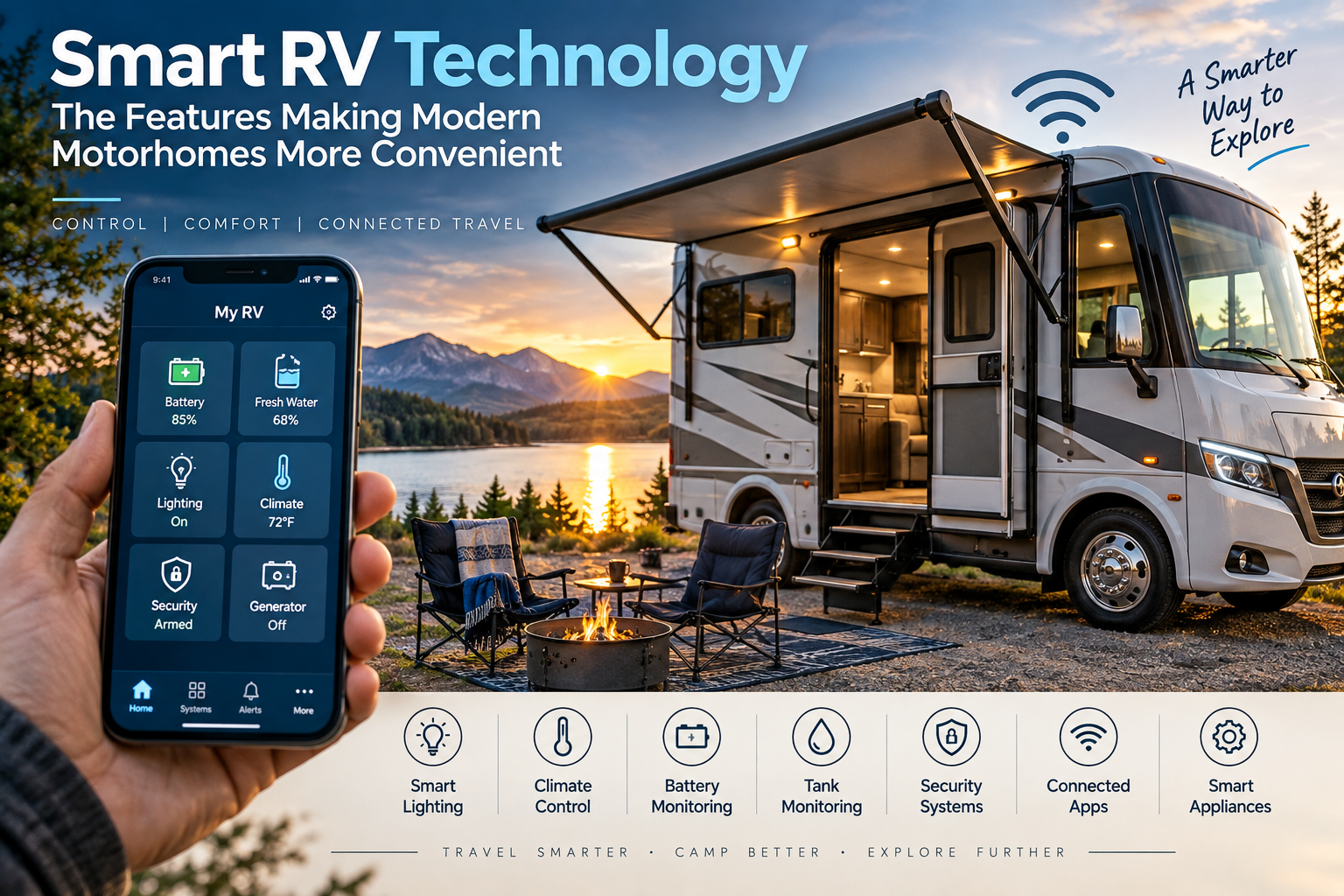
RV connectivity is becoming more integrated with the broader technology ecosystem inside modern RVs.
As RV manufacturers continue adding smart controls, connected appliances, energy monitoring and security systems, reliable internet can become more useful for both convenience and remote management.
Satellite connectivity is also expanding the locations where RV travelers can access broadband, while cellular networks continue to evolve.
For RV buyers, that means connectivity is increasingly something worth considering before purchasing an RV, rather than something added as an afterthought.
The best solution won’t necessarily be the one with the fastest advertised speed.
It will be the one that fits where you travel, how you use your RV and how much connectivity you actually need.